WebMCP (browser Model Context)
WebMCP (Web Model Context Protocol) is a web standard effort for exposing tools to on-page AI through the browser’s Model Context surface (navigator.modelContext). The vowel Client SDK can share actions with that surface and pick up tools already registered in the page so the voice session can use them.
Normative background: see the Web Machine Learning community draft for WebMCP and the navigator.modelContext API shape.
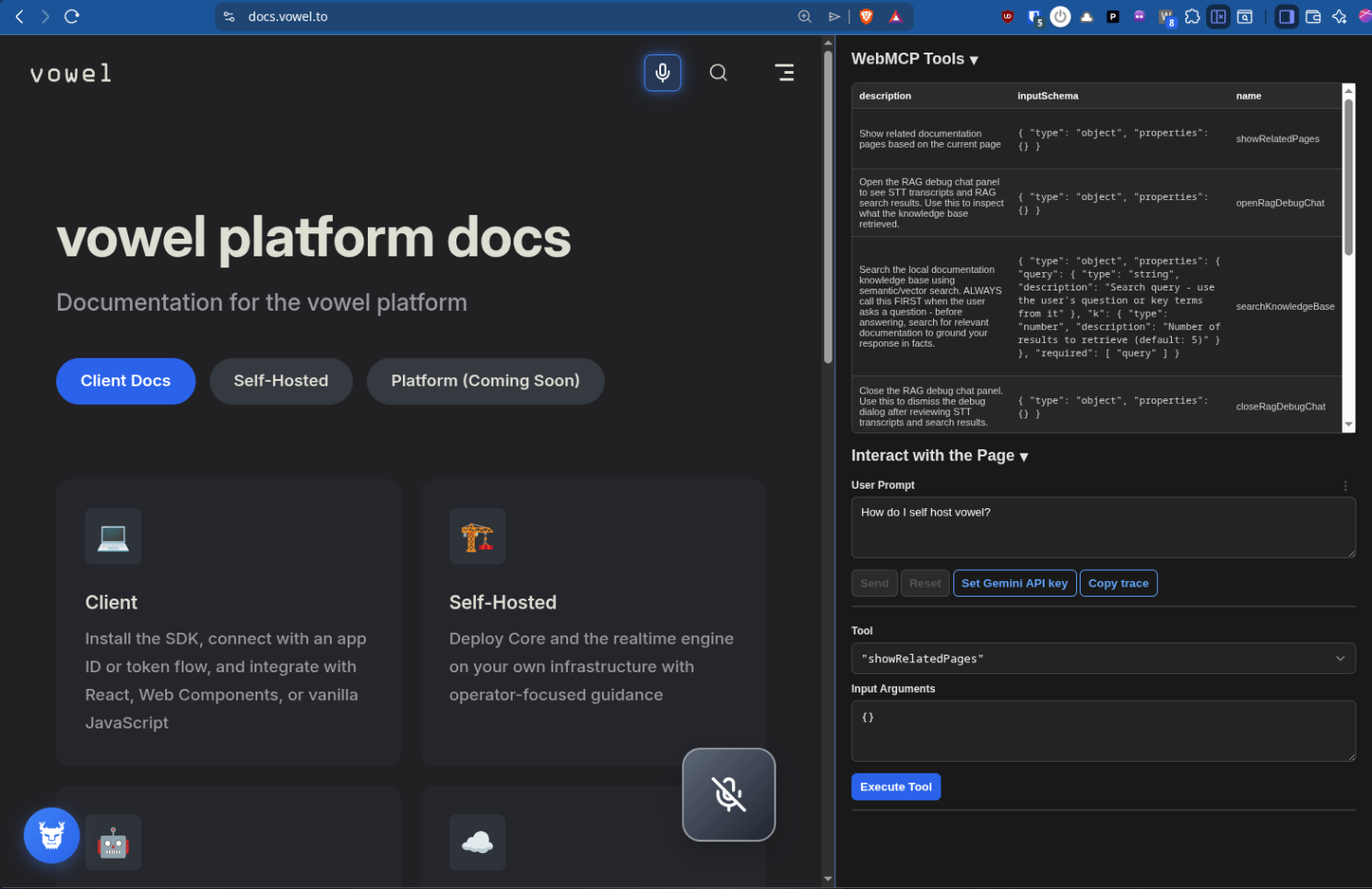
What the client does
| Direction | Behavior |
|---|---|
| Vowel → WebMCP | Each action you register with registerAction can also be registered with navigator.modelContext.registerTool (when the native API exists), so other Model Context clients on the same page can invoke the same handlers. |
| WebMCP → Vowel | Optional discovery collects tool definitions exposed in the page (see Discovery sources below) and registers them as Vowel actions so the realtime model can call them in the voice session. |
At runtime, both directions are controlled with the optional webMCP field on your Vowel constructor config. The client logs a short status block at startup (look for [VowelClient] and [webmcp] in the console when debugging).
Configuration
Add webMCP to your client config:
import { Vowel } from '@vowel.to/client';

const vowel = new Vowel({
  apiKey: 'vkey_...',
  // ... other config
  webMCP: {
    /** Discover page-registered tools and add them as Vowel actions (default: false) */
    enableDiscovery: true,
    /** Expose each Vowel action via WebMCP (default: true) */
    enableExposure: true,
  },
});| Option | Default | Purpose |
|---|---|---|
enableExposure | true | When the native navigator.modelContext.registerTool API is available, the client re-registers your Vowel actions there after each registerAction. If the API is missing, exposure is skipped (no crash). |
enableDiscovery | false | When true, the client runs discovery at initialization and can be run again with rediscoverWebMCPTools(). |
Turn exposure off if you only want voice tools and do not want them advertised to WebMCP. Turn discovery on if the page (or a host) registers tools you want the voice model to see.
Rediscovering tools after load
If tools are registered after the Vowel client is constructed (dynamic imports, late registration), call:
await vowel.rediscoverWebMCPTools();webMCP.enableDiscovery must be true, otherwise the method logs a hint and returns without scanning again.
Discovery sources
The client resolves tools in this order:
- Testing API — If
navigator.modelContextTesting.getToolsis present, the client uses it to list tools. - Page registry — If
window.__webmcp_toolsis an array of tool definitions, the client uses that (some apps populate this for tooling and inspectors when native APIs are unavailable).
If neither is available, discovery yields an empty list. Enable debug logging to see which path ran and how many tools were found.
Action shapes: legacy and WebMCP-style
Vowel accepts two shapes for registerAction definitions (see Actions):
- Legacy —
descriptionplus aparametersmap (per-parametertype/description/optional/enum). - WebMCP-style —
name,description, and a JSON Schema objectinputSchema(aligned with how WebMCP describes tool inputs).
The client can convert between these representations when talking to the browser. For type narrowing, the package exports isLegacyAction from @vowel.to/client. WebMCP-style actions include both name and inputSchema.
Example (WebMCP-style):
vowel.registerAction('searchHelp', {
  name: 'searchHelp',
  description: 'Search the help center',
  inputSchema: {
    type: 'object',
    properties: {
      query: { type: 'string', description: 'Search query' },
    },
    required: ['query'],
  },
}, async (params) => {
  const { query } = params as { query: string };
  return { results: await searchHelp(query) };
});
Browser support and debugging
- Native
navigator.modelContext/registerToolis experimental. You may need a Chromium-based browser with the Model Context / WebMCP feature enabled for full exposure. - If the native API is missing, exposure is skipped; discovery can still work via the testing API or
window.__webmcp_toolswhen the host provides them. - For troubleshooting, increase the client log level and watch
[webmcp]and[VowelClient]lines at startup and when actions register.
See also
- Actions — Register tools before
startSession() - Connection models — Token and session setup
- WebMCP recipe — Short recipe-style entry (this guide is the main Client reference)
- Client changelog — Release notes for
@vowel.to/client